Rolling a new character is fun. Explaining what they look like around the table is not. The perfect avatar for your next RPG session is one that actually looks like you — reimagined as an elf wizard, a dwarf paladin, or a tiefling bard — and takes about as long to make as a coffee run.
This guide covers what makes a great RPG avatar, how to pick a race and class that fit your character, and how to go from selfie to shareable portrait before session zero starts.
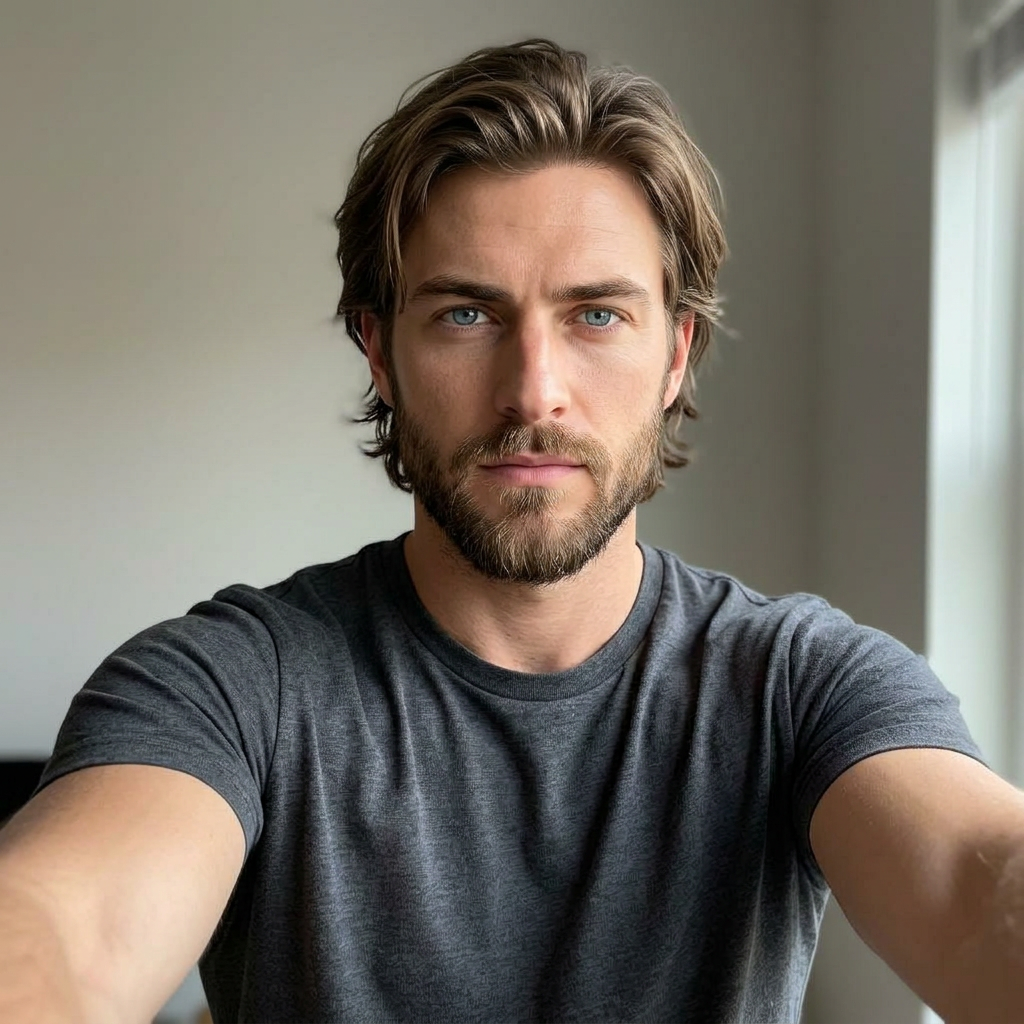
This is the kind of everyday photo you upload. Every avatar on the home page gallery started as a selfie exactly like this one.
What makes an avatar feel right at the table?
A tabletop avatar has one job: the moment someone sees it, they know who your character is. That means three things. First, the face has to be recognizably yours — a stock fantasy portrait pulled from a search never lands the same way. Second, race and class have to read instantly: pointed ears and robes for an elf wizard, plate and a warhammer for a dwarf paladin. Third, the framing has to work small — most people will see it as a token, a Discord avatar, or a thumbnail on a character sheet.
How do you pick a race and class that fit your character?
Start from the vibe, not the stats. If your character is cautious and clever, lean elf, gnome, or halfling. If they're loud and reckless, half-orc, dragonborn, or tiefling do more work. For class, pick the one thing your character will always be doing: casting, hitting, healing, sneaking, or talking their way out of trouble. You can browse race and class combos that read strongest in portraits — some pairings (elf ranger, dwarf cleric, tiefling warlock) are iconic for a reason.
If you're stuck between two classes, pick the one that changes your silhouette more. A wizard with a staff, a paladin in plate, or a barbarian with a two-handed axe reads faster than subtle differences like rogue vs. bard.
How fast can you actually generate the portrait?
Fast enough to do it during session prep. Upload one clear selfie, pick a race, pick one or more classes, and you'll have a full pack of portraits in a few minutes. Multiple classes on one selfie means you can try your character as a fighter and a paladin before you commit — useful when your DM is still finalizing the campaign. See the full selfie upload guide for what makes a photo work on the first try.
What should the selfie look like?
Front-facing, well-lit, no sunglasses, no hat pulled low. The face should fill most of the frame. Neutral expression works best — big smiles sometimes carry into every portrait, which looks odd on a grim paladin. Indoor light near a window beats direct sun. If your selfie is soft or shadowy, the face-lock has less to work with and the portraits drift.
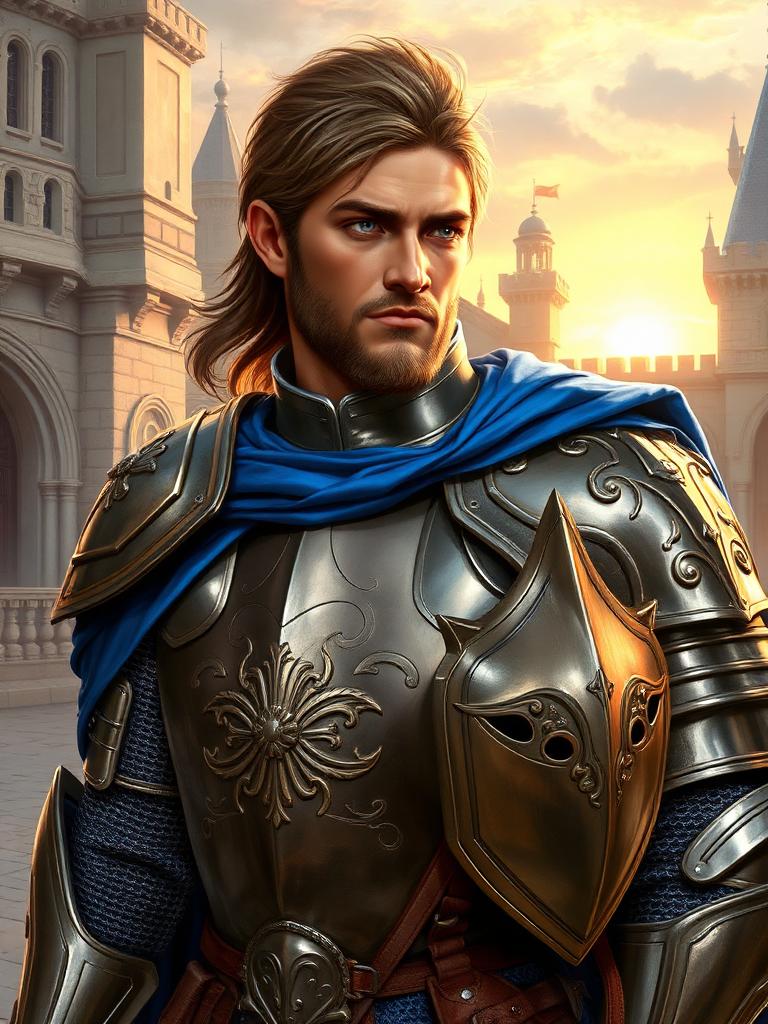
Same face, dropped into plate armor and heroic lighting. See more selfie-to-RPG-selfie transformations on the home page.
Can you use these portraits in your D&D character sheet?
Yes. The output resolution is high enough for D&D Beyond, Roll20, Foundry, and printed character sheets. Every portrait is yours to use — Discord avatars, session-zero handouts, printed minis, party group shots. If you want the tabletop rundown of what each class looks like on paper, the guides index has a breakdown per class.
What if you want more than one look?
Reorder in two clicks. Once you've made a character, the studio remembers it — same face, same race, same class — and lets you generate a new pack with a different pose or a new class layered on top. That's how most people end up with a full gallery: one selfie, one character, half a dozen portraits, no rework.