Getting DnD party portraits that actually look like a party — not five random commissions stapled together — is the point of the party feature. One owner, one invite link, up to six heroes, and a shared art style across the whole roster.
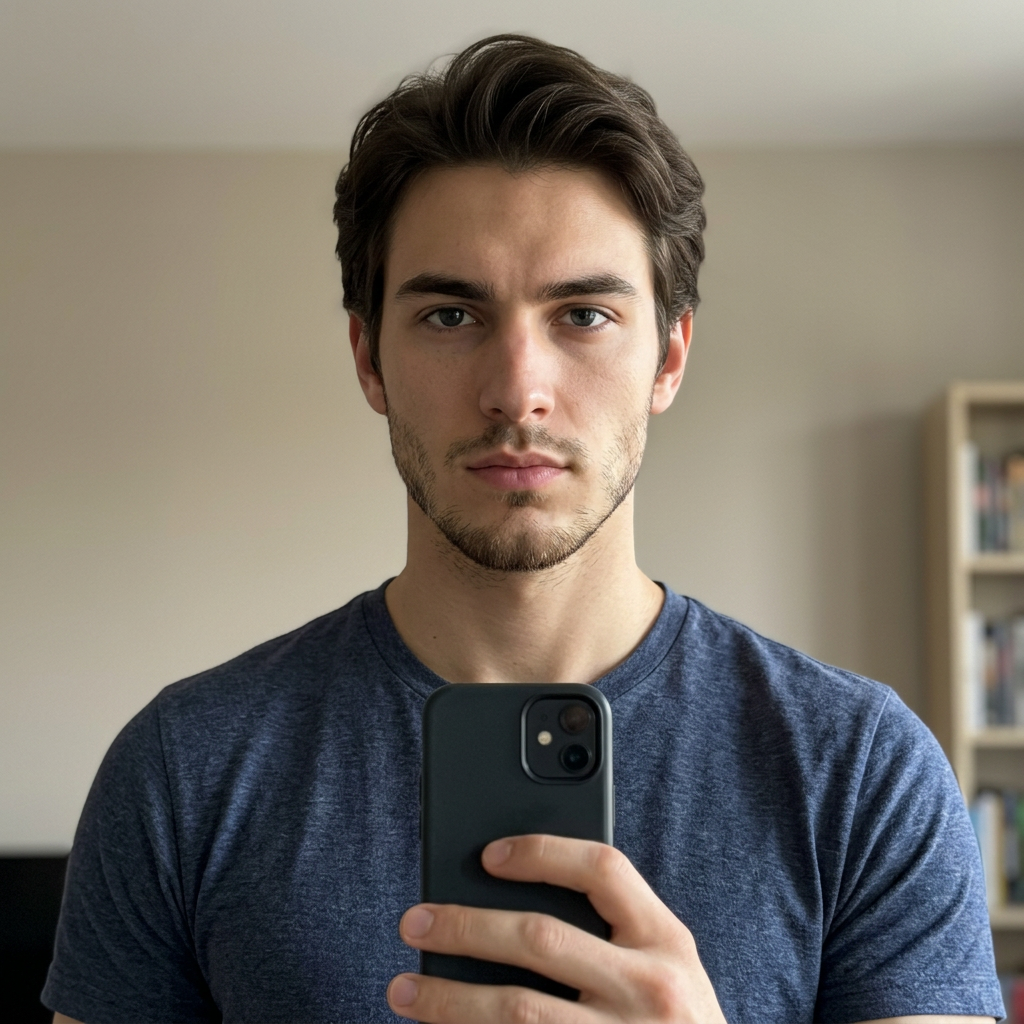
This is what every party member uploads. Every hero on the home page gallery started as an ordinary selfie exactly like this one.
Why do matching party portraits matter?
A single commissioned portrait is easy. A matched set of six, in the same lighting and style, with every player's face intact, is where most homebrew art falls apart. Different artists, different months, different prompts — the party sheet ends up looking like a lineup from six different games. The party feature was built to fix that: one style pass, one identity model per member, one shared aesthetic across the whole crew.
How does the party feature work?
The flow is intentionally boring, because it has to work on a Tuesday night with half the group on mobile:
- The party owner (usually the DM or the one player who actually reads Discord) creates a party from the party page.
- The app generates a private invite link tied to that party.
- Everyone else opens the link, signs in, and uploads their own selfie plus their race, class, and pose picks.
- The owner watches members trickle in, and once the roster is set, forges the portraits.
Each party holds up to six members — the classic table size. Create a separate party per campaign or crew so the rosters don't collide.
How do you set up your first party?
Start from the party page and hit New party. Give it a real campaign name — "Curse of Strahd — Table 2" beats "Party 4". Open the party, generate an invite link, and drop it in your campaign's Discord, group chat, or session-zero email.
You can rename or delete parties later, and revoking a link is one click if you need to cut off a stale invite.
What does each member need to send?
Every player uploads their own selfie through the invite — they never see the owner's account, and the owner never uploads photos on anyone else's behalf. That single selfie becomes the identity anchor for that member's portraits, so uploading a good selfie matters more than any other step.
Quick checklist to pass to your players:
- One clear front-facing photo, no sunglasses, no heavy filters.
- Even lighting. Window light beats overhead bulbs.
- Neutral expression works best for identity lock — you can pick a dramatic pose later.
- Pick a race and class from the menu. No prompt writing needed.
If someone's first result looks off, a better selfie almost always fixes it — see the character portrait guide for the details.
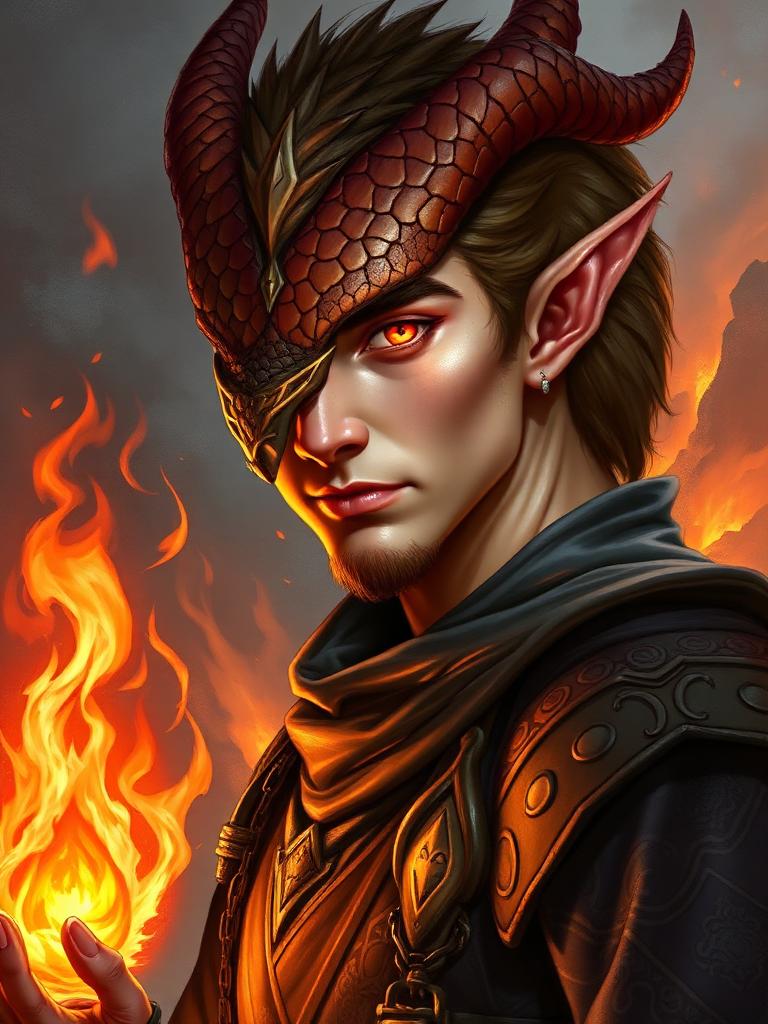
Same face, now a Dragonborn Sorcerer — and every party member gets the same style pass. Browse the home page for more selfie-to-RPG-selfie examples.
How do you forge the group shot?
Once the roster is filled, the owner picks the pack size and hits forge. You get individual portraits for every member plus, optionally, a group shot with the whole party composed into one scene. Same style pass, same lighting, six recognizable faces — the thing that's genuinely hard to get anywhere else.
Group shots are their own order type on top of the individual portraits, so budget the gold accordingly. The avatar guide walks through picking poses that read well side-by-side.
How can you use the pack in your campaign?
The obvious wins:
- Drop each portrait into the player's character sheet on Roll20, Foundry, or DnD Beyond.
- Use the group shot as the campaign banner in Discord or your session recap doc.
- Print the group shot for the physical table — a small framed print at game night is the single best morale boost per dollar in the hobby.
- Reuse the individual portraits as VTT tokens and profile pictures across your gaming platforms.
The party feature is not a novelty — it's the difference between a campaign that looks like a campaign and one that looks like a folder of downloads. Set one up before session one and the whole table gets the payoff.